
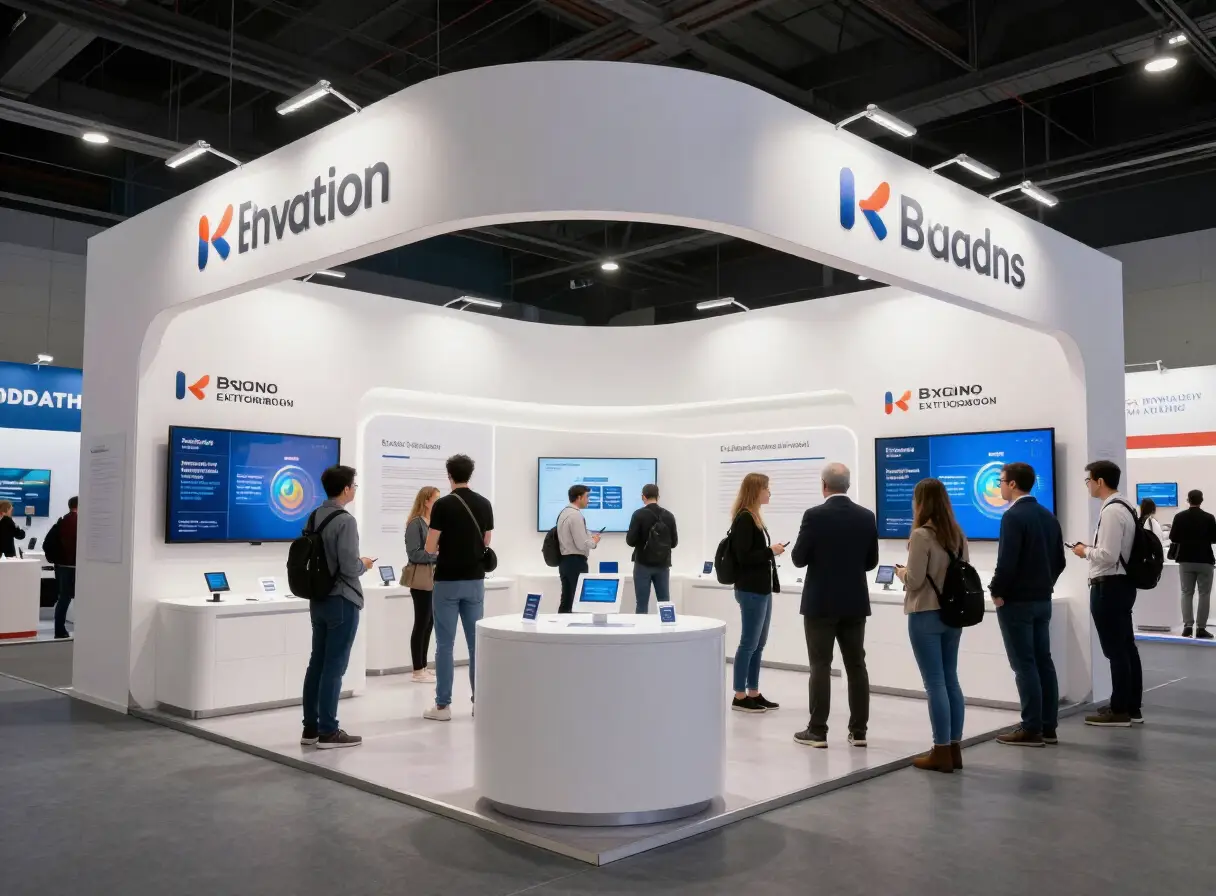
Mobile bars, food trucks and pop-up stalls move from event to event. The menu changes, prices change, and the queue rarely leaves time to explain who you are. A printed board covers the basics, but it cannot carry much and it is a pain to redo every time.
What guests want from a pop-up page
- The menu, with prices.
- Allergen information.
- Who you are, in a couple of lines.
- Where to find you next, and how to book you.
- Links to your social channels and review pages.
Put it where the queue is
A tag or stand on the bar or by the queue lets people open the menu while they wait. They decide faster, and they leave with your details on their phone.
Change it every event
Because it is a web page, you can update the menu and prices before each event, and mark things sold out during service.
How TAPP helps
TAPP has been used at pop-up drinks activations where guests tap to open the menu and brand content on the spot. You manage the page from your TAPP account and changes are live straight away.
Questions
Can I change the menu between events?
Yes. Update the page before each event and the same touchpoint opens the new menu.
What should a pop-up page include?
The menu with prices, allergen information, a short brand story, where to find you next and social links.
Do guests need an app?
No. They tap or scan and the page opens in their browser.