
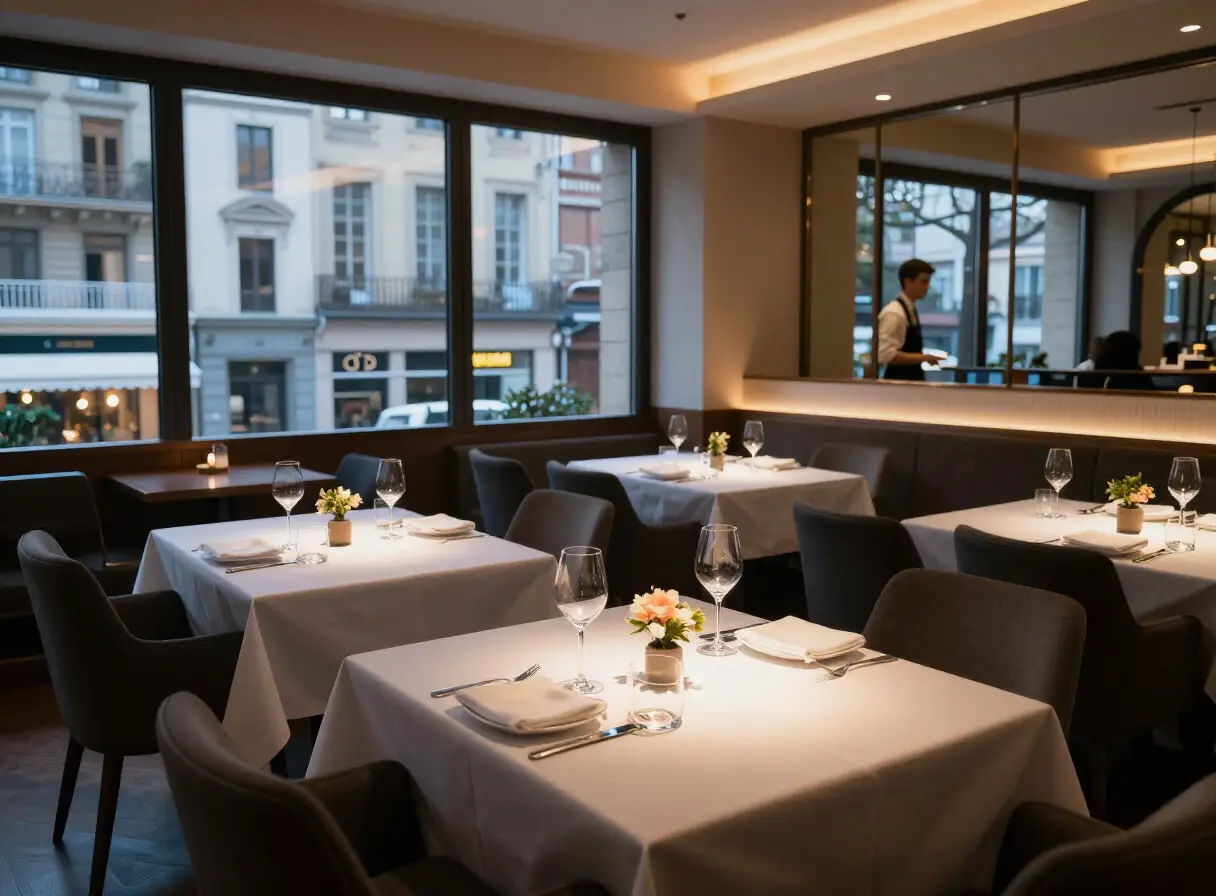
Ask any host, bar manager or event organiser which question they hear most and the answer is usually the same: what is the Wi-Fi? It takes seconds to answer, but it is asked again and again, often at the busiest moments.
Put it where people are
- On tables in a bar, cafe or restaurant.
- Inside each room or unit.
- At reception and in waiting areas.
- On event badges or registration signs.
Make it the first thing they see
If guests open a page for menus, stay information or an agenda, put Wi-Fi at the top. It is the item most people look for first.
Show it clearly
- Give the exact network name, as it appears on the phone.
- Write the password in a clear font, avoiding characters that are easy to confuse, such as O and 0.
- Say if there is a separate network for guests.
Change it in one place
Many venues change the guest password from time to time. If the password lives on a page you can edit, you update it once instead of reprinting cards for every table or room.
Plan for weak signal
A web page needs a connection to open. Where mobile signal is weak, such as rural sites, cabins and basements, also keep the network name and password on a small card by the door or on the table, so guests can get online first.
How TAPP helps
Wi-Fi details are one of the items you can add to a TAPP page. Guests tap a TAPP tag or stand, or scan a QR code, and the details open with no app. When the password changes, you update it from your TAPP account.